Matrix Migration May 2026
Table of Contents
Buds are budding, birds are birding, spring is in the air and that can only mean one thing, time to migrate to a new Matrix server and, while it may seem daunting, it's easier than giving your data to big tech for free. Come with me on this next phase of your life.
Create your new account
Head over to https://jjmatrix.com
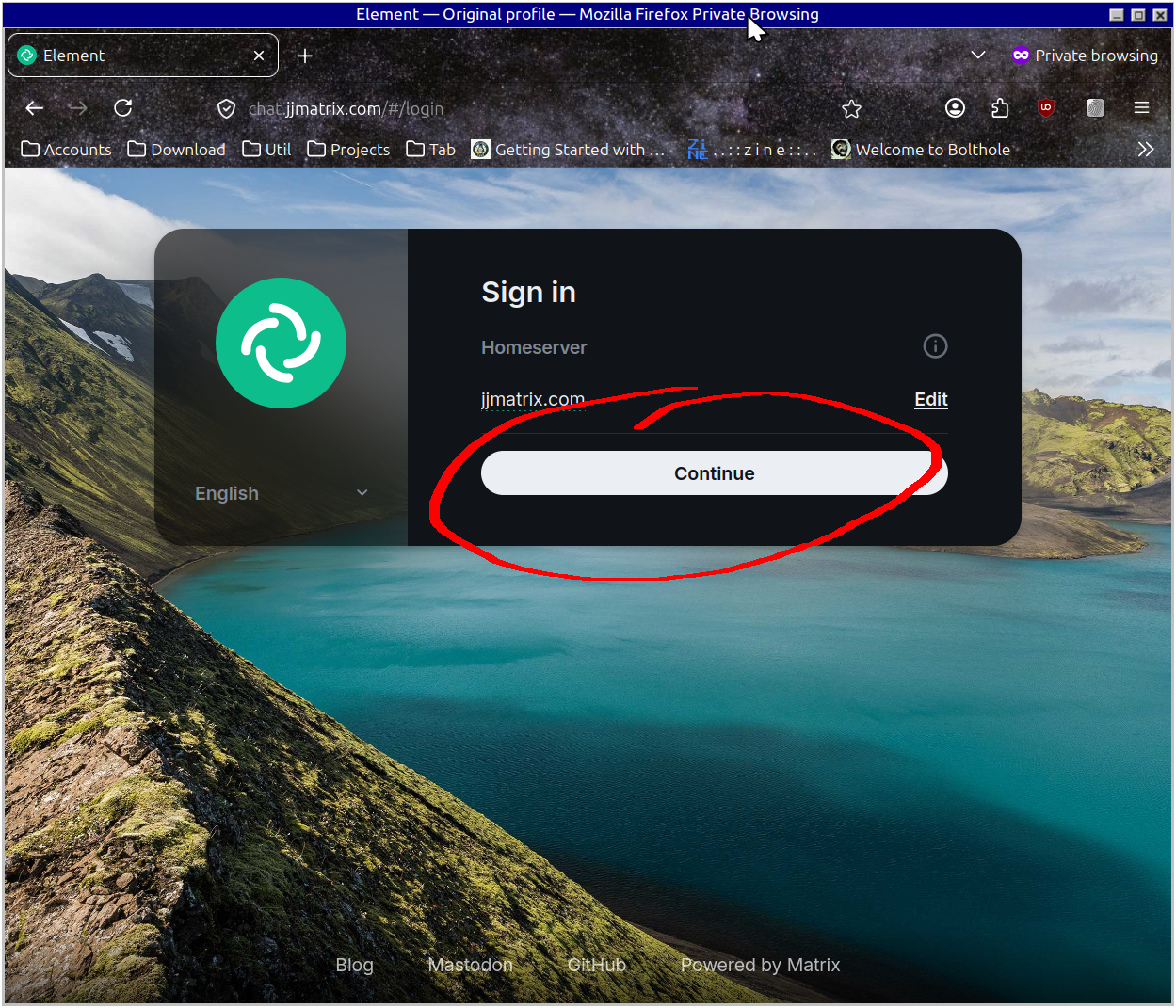
Click Continue to get to the Sign In screen
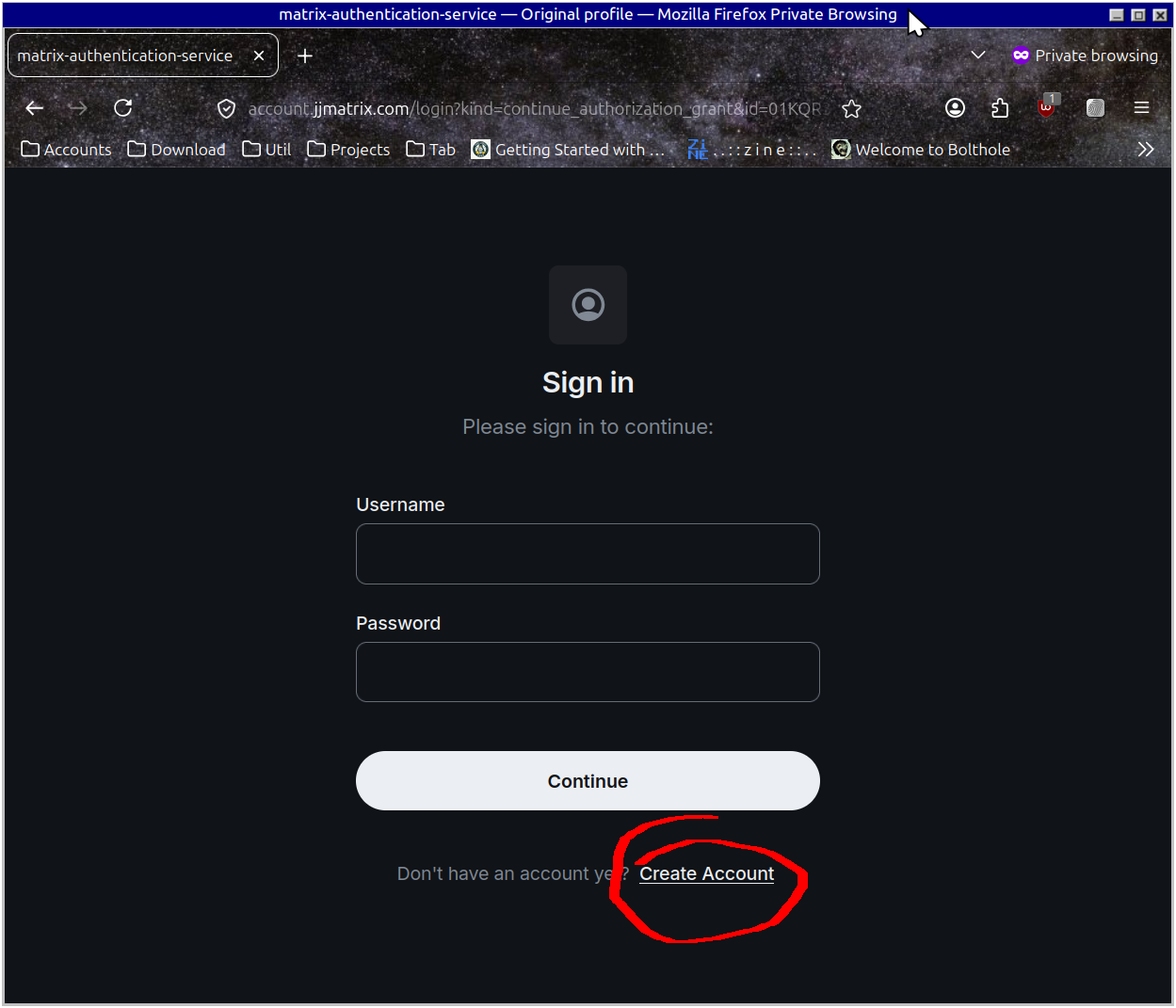
But you don't have an account yet. Click "Create Account" to get going
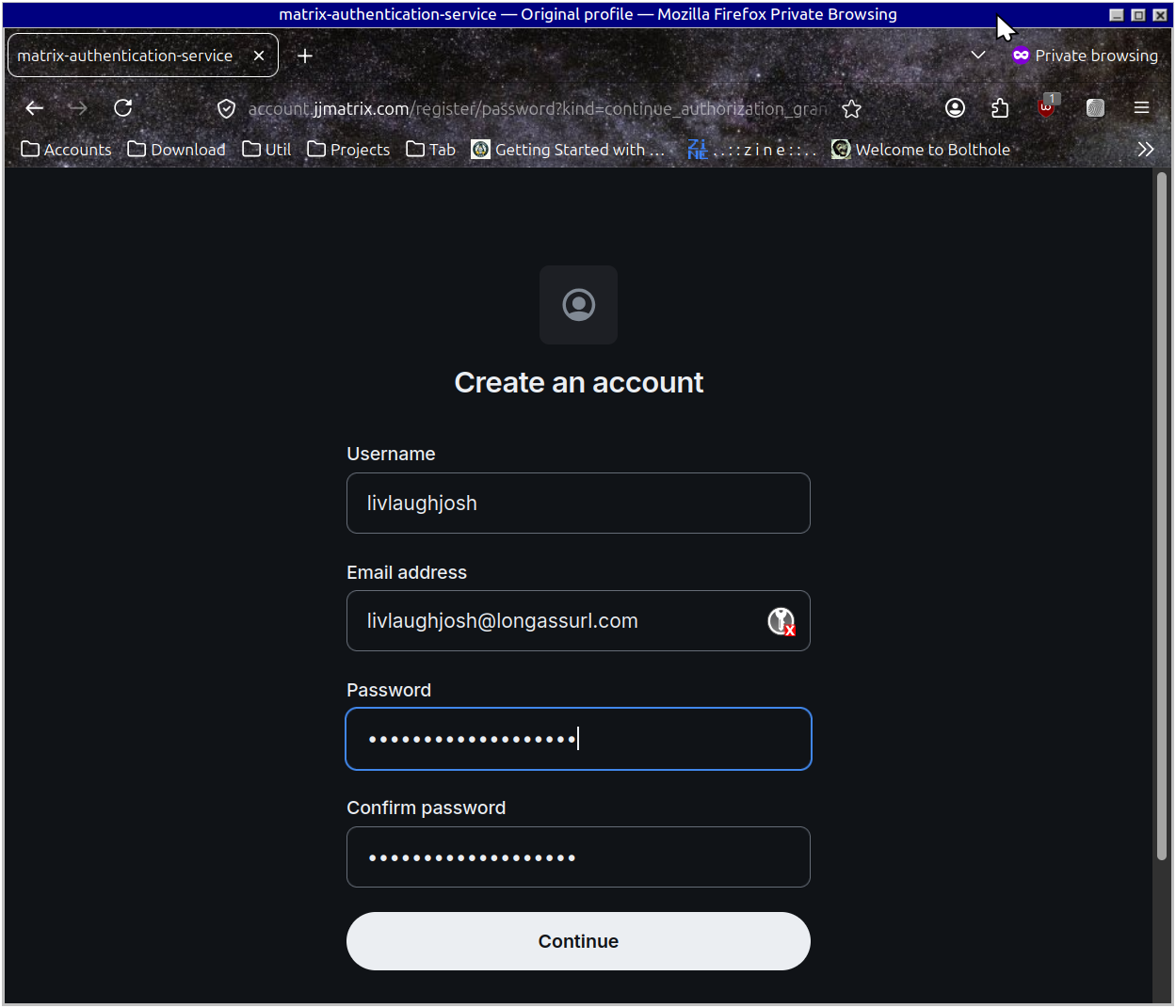
- Pick a username
- Enter your email
- Choose a password
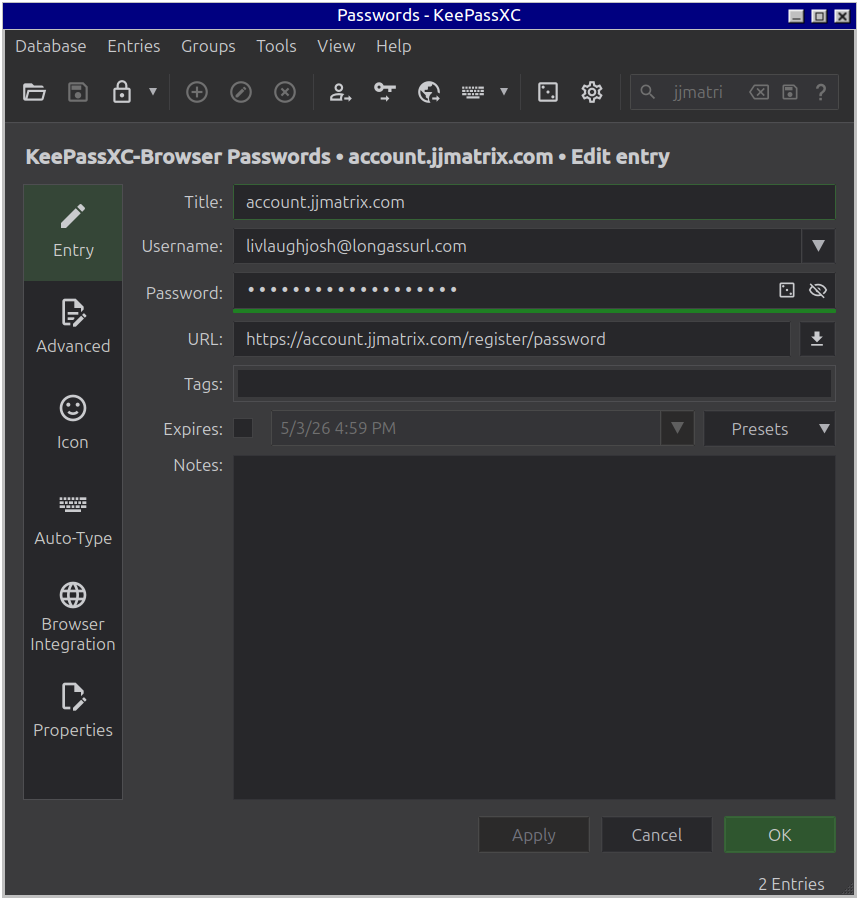
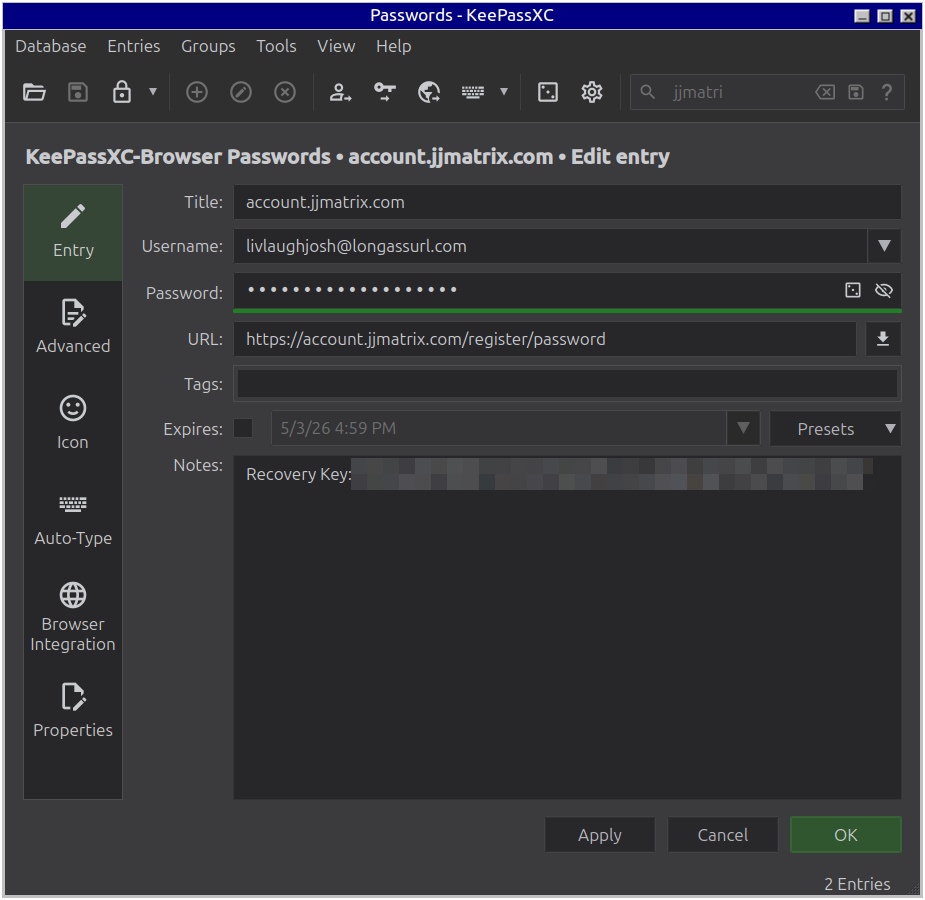
Save in your favorite password manager
Next, enter your Registration Token. This will have been provided to you separately
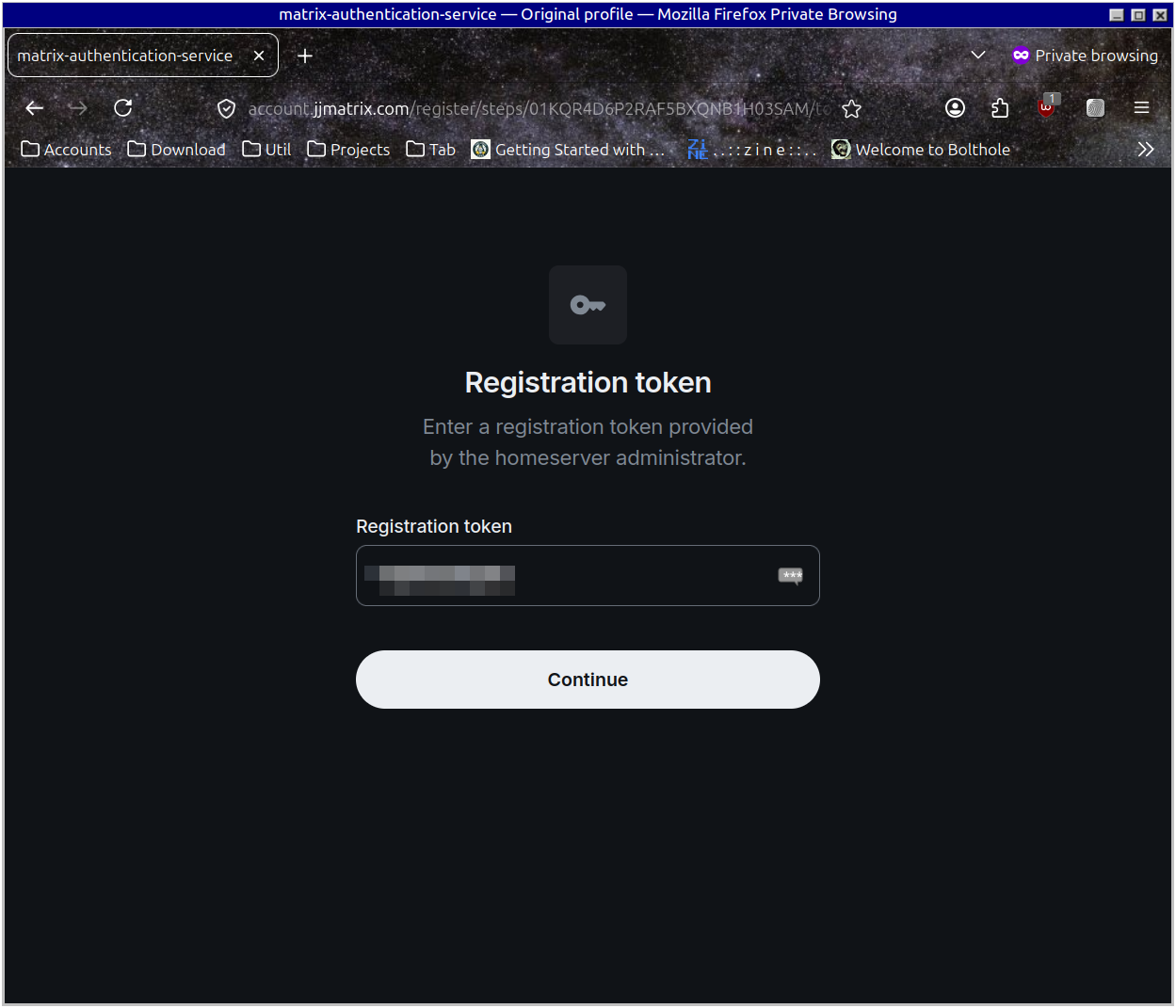
By now you should have received your email verification code. Enter that.
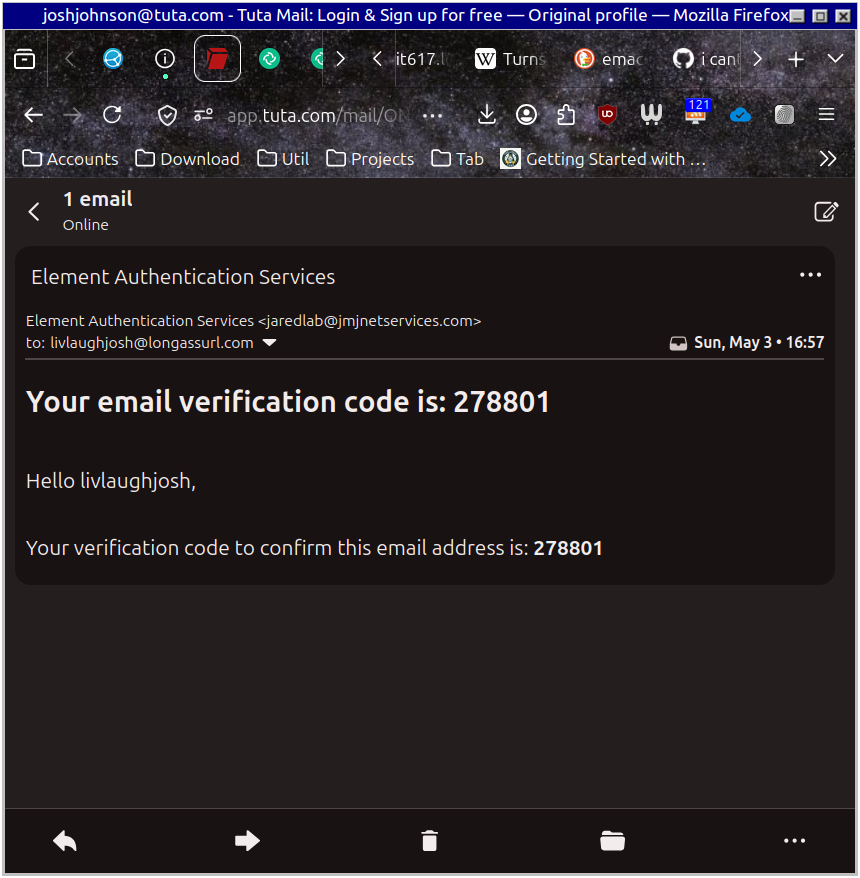
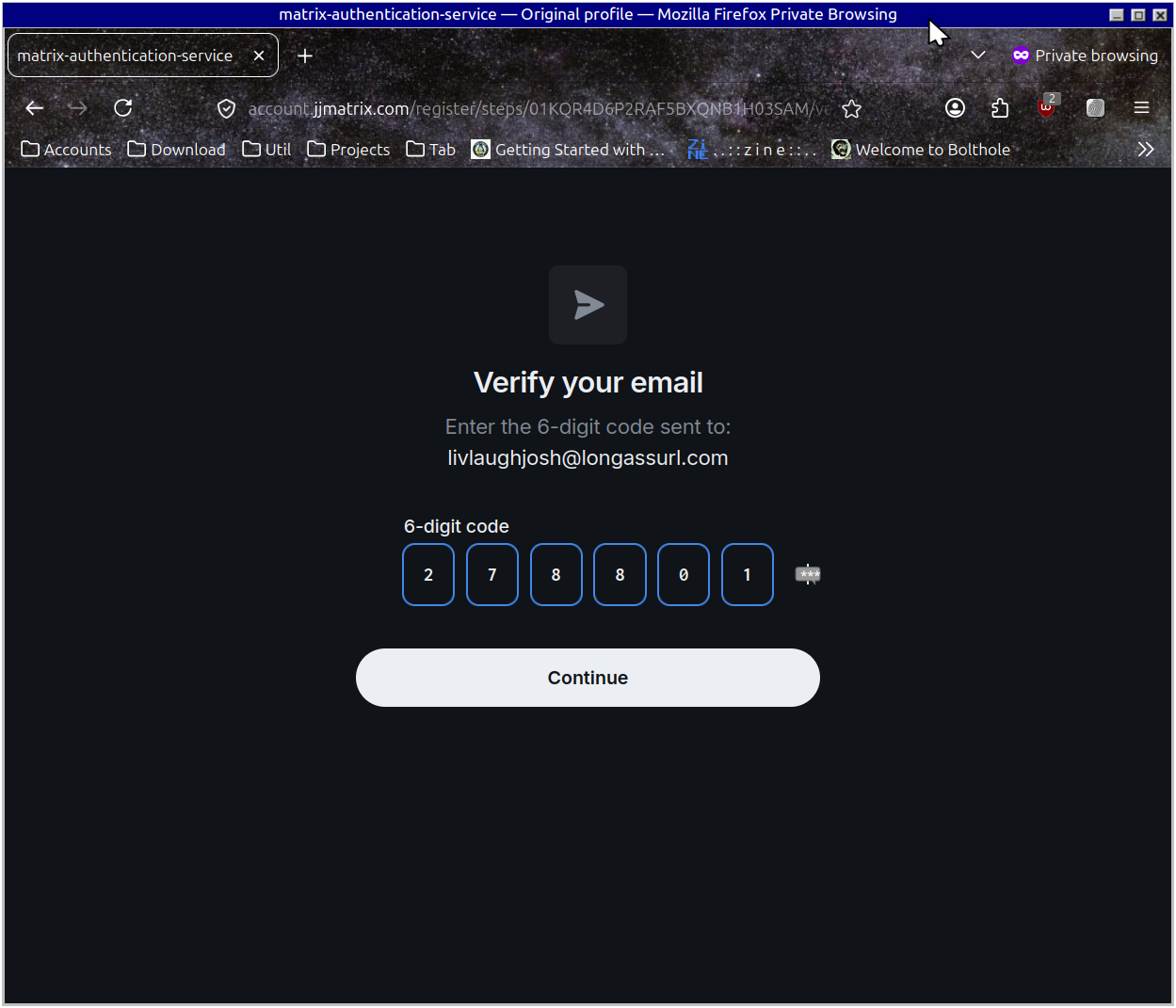
Setting up the Account
Choose how you want your name displayed
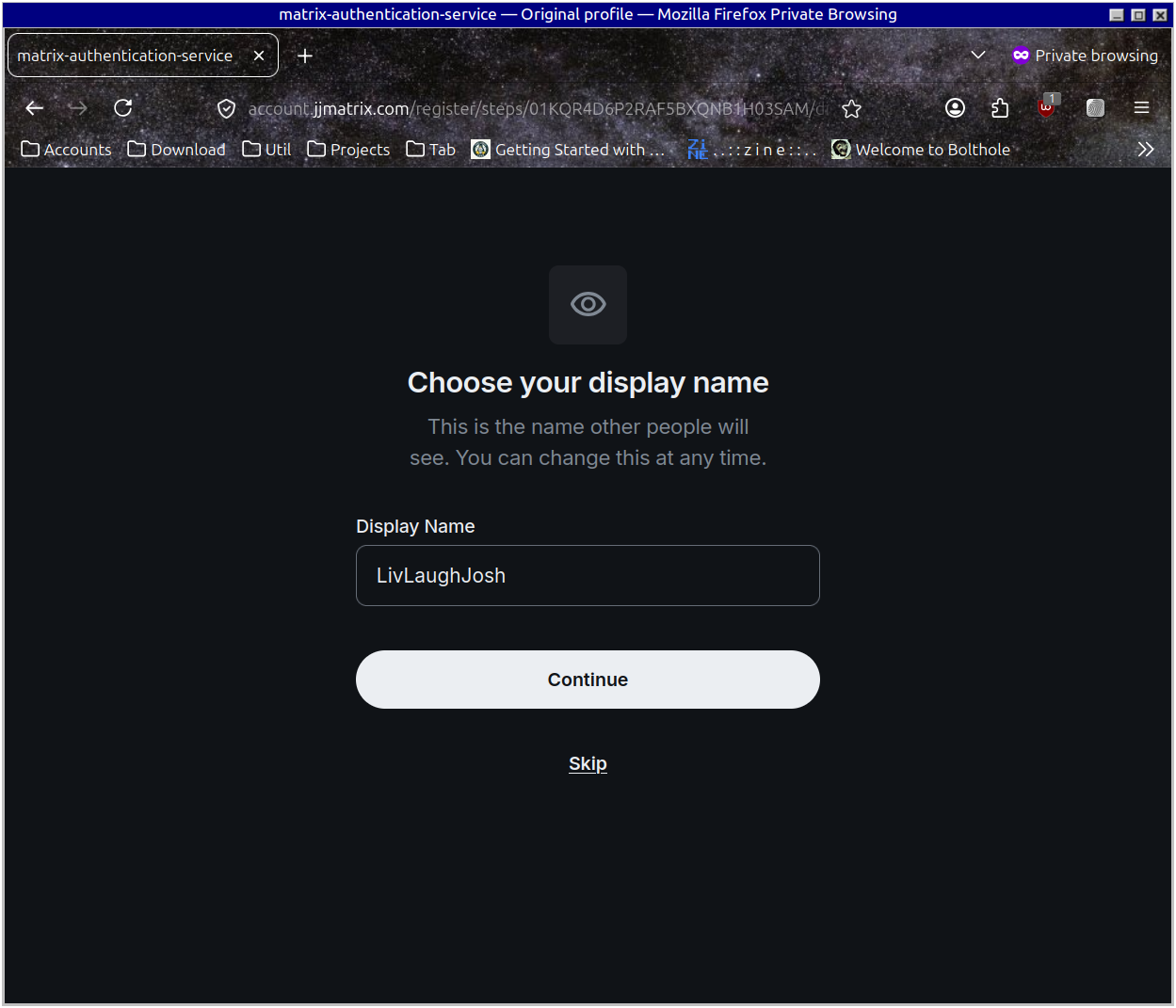
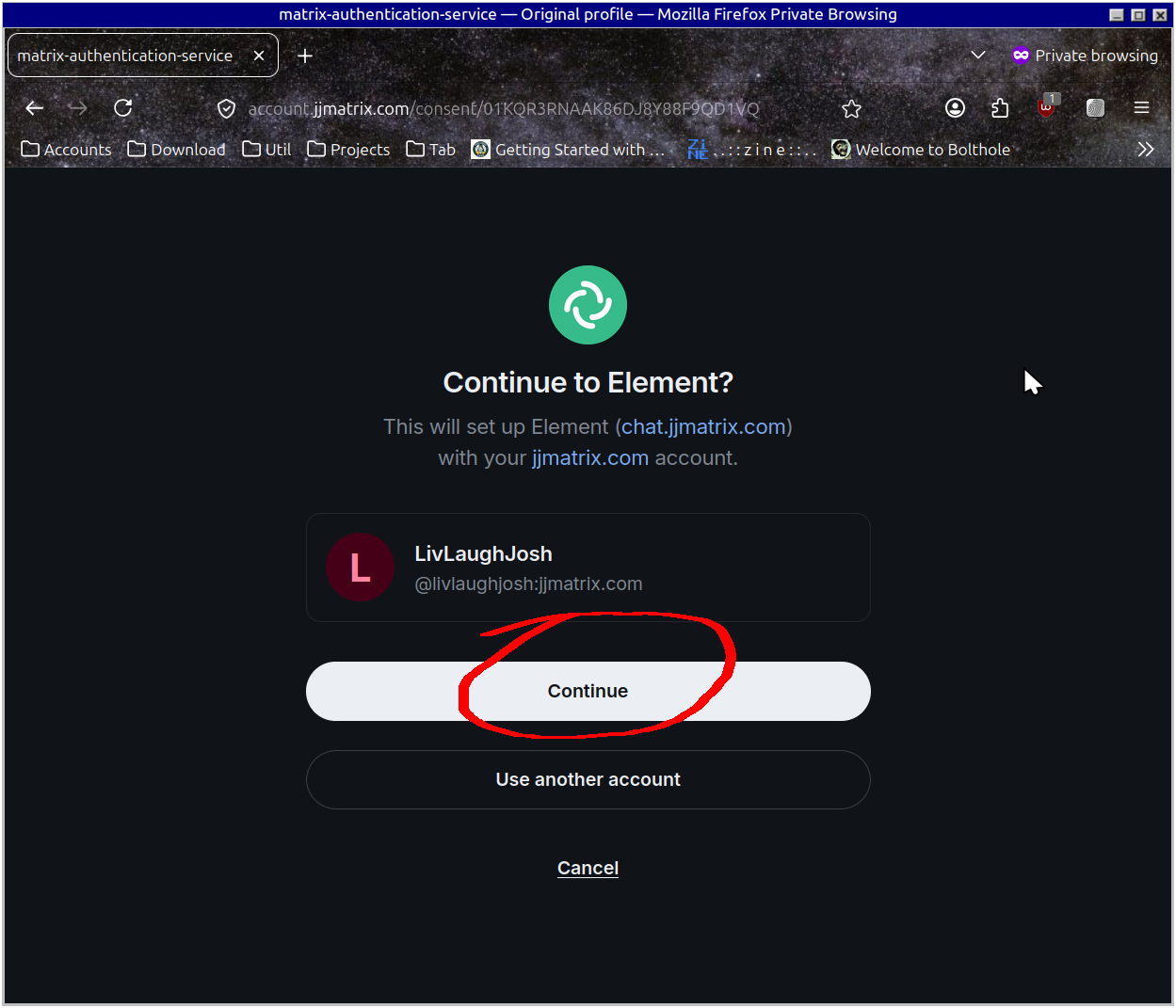
Click "Continue" and proceed to setting up a Recovery Key
Setting up your Recovery Key
Get to settings by clicking on your user name in the upper-left and then "All Settings"
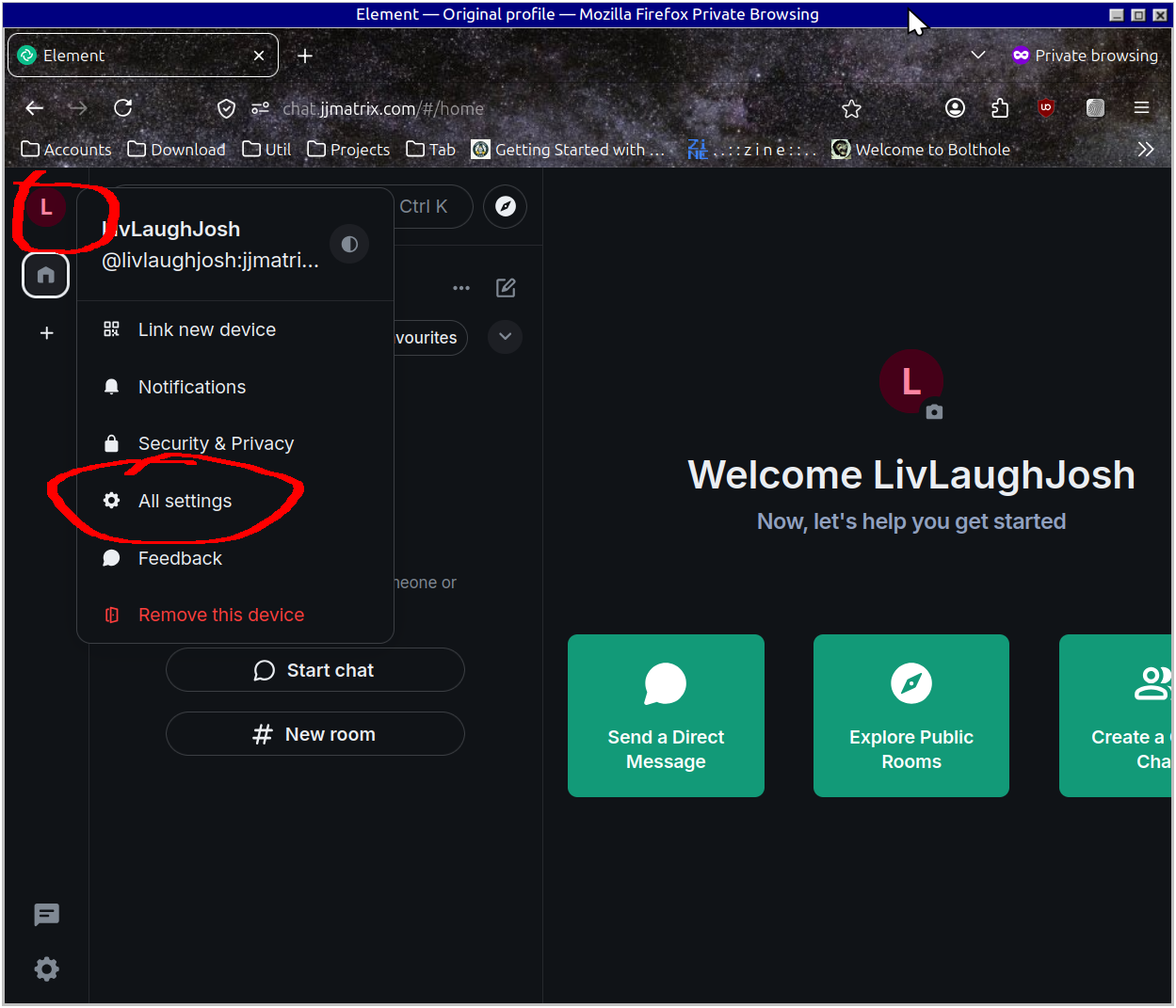
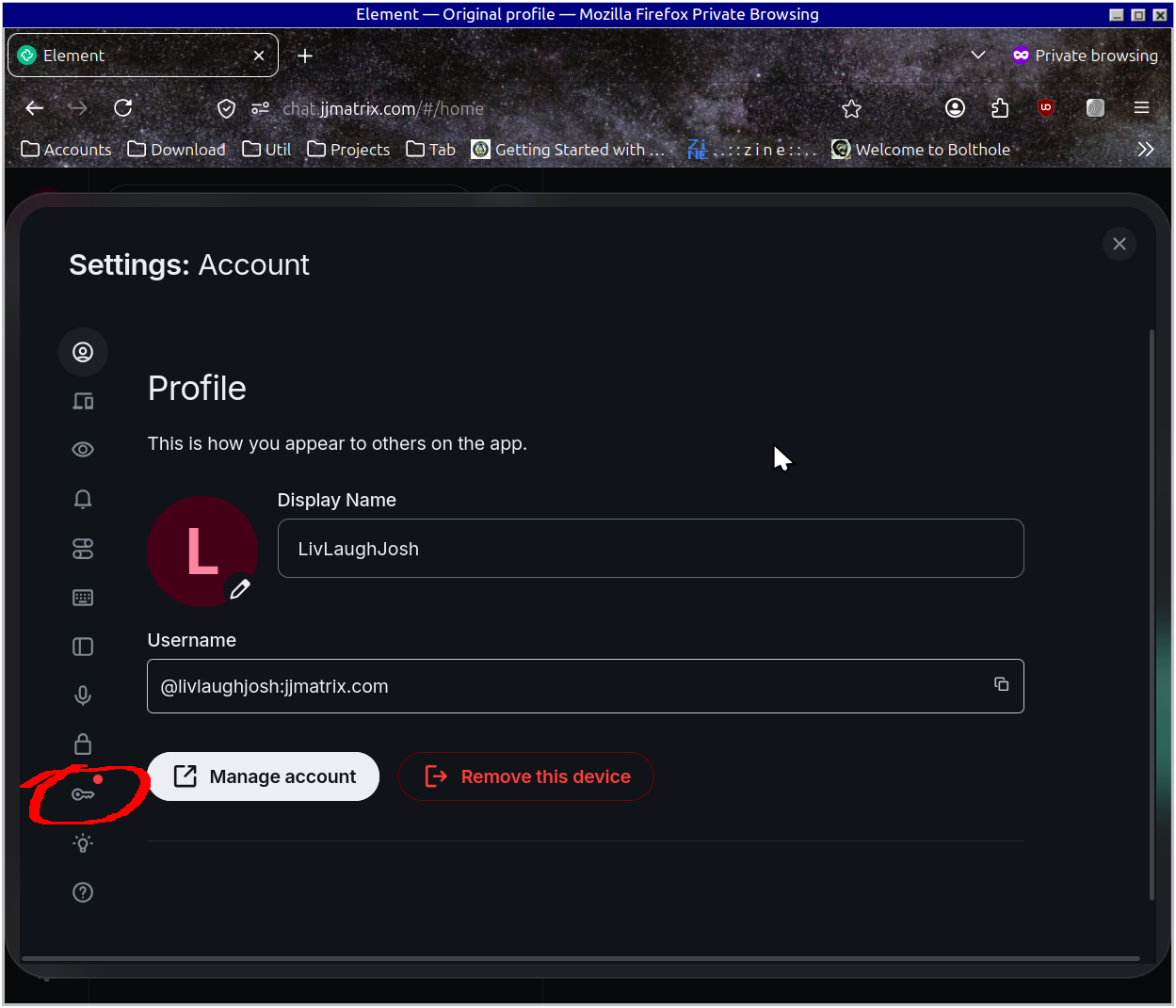
Go to the Encryption Section
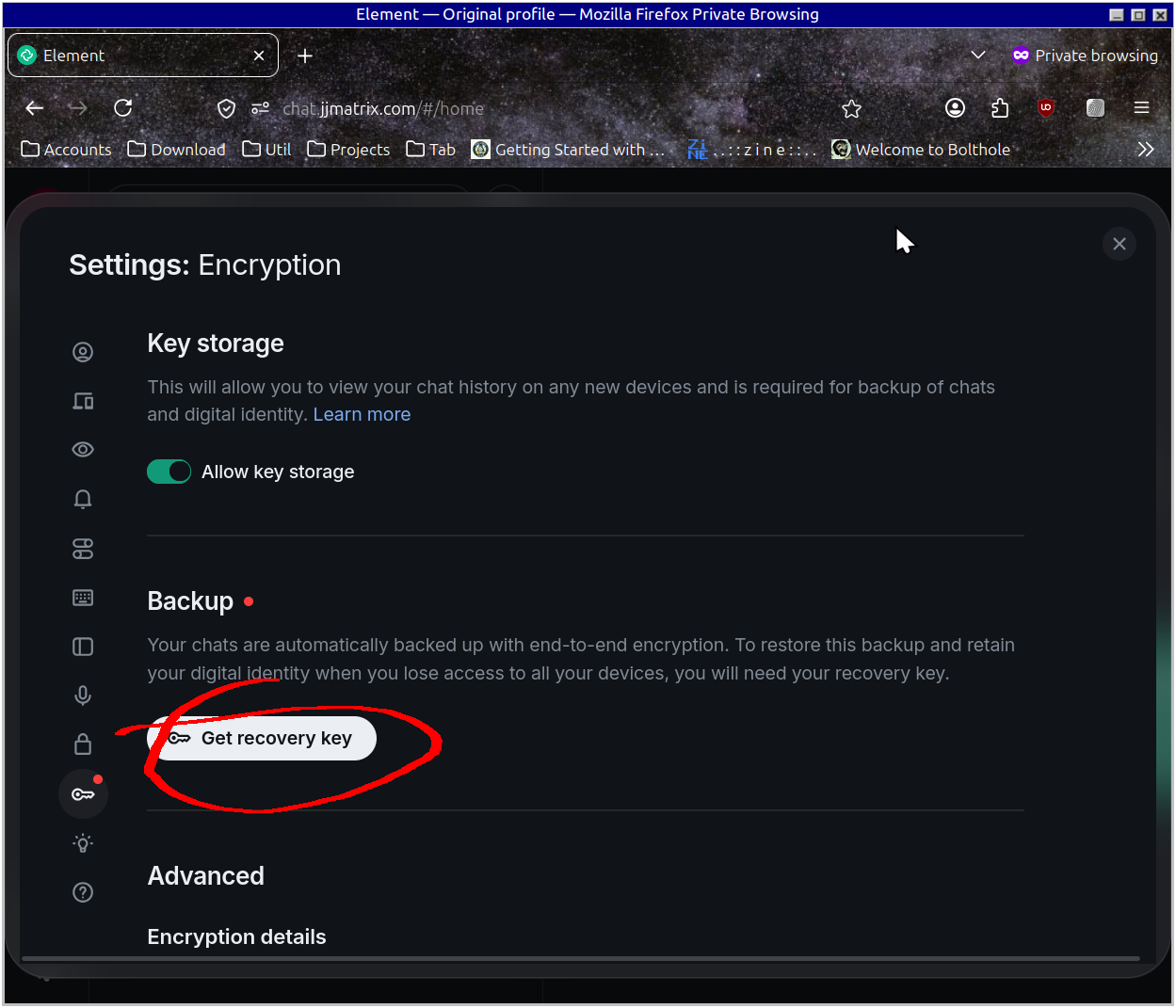
Under "Backup" click "Get recovery key"
Click "Continue" to generate your recovery key
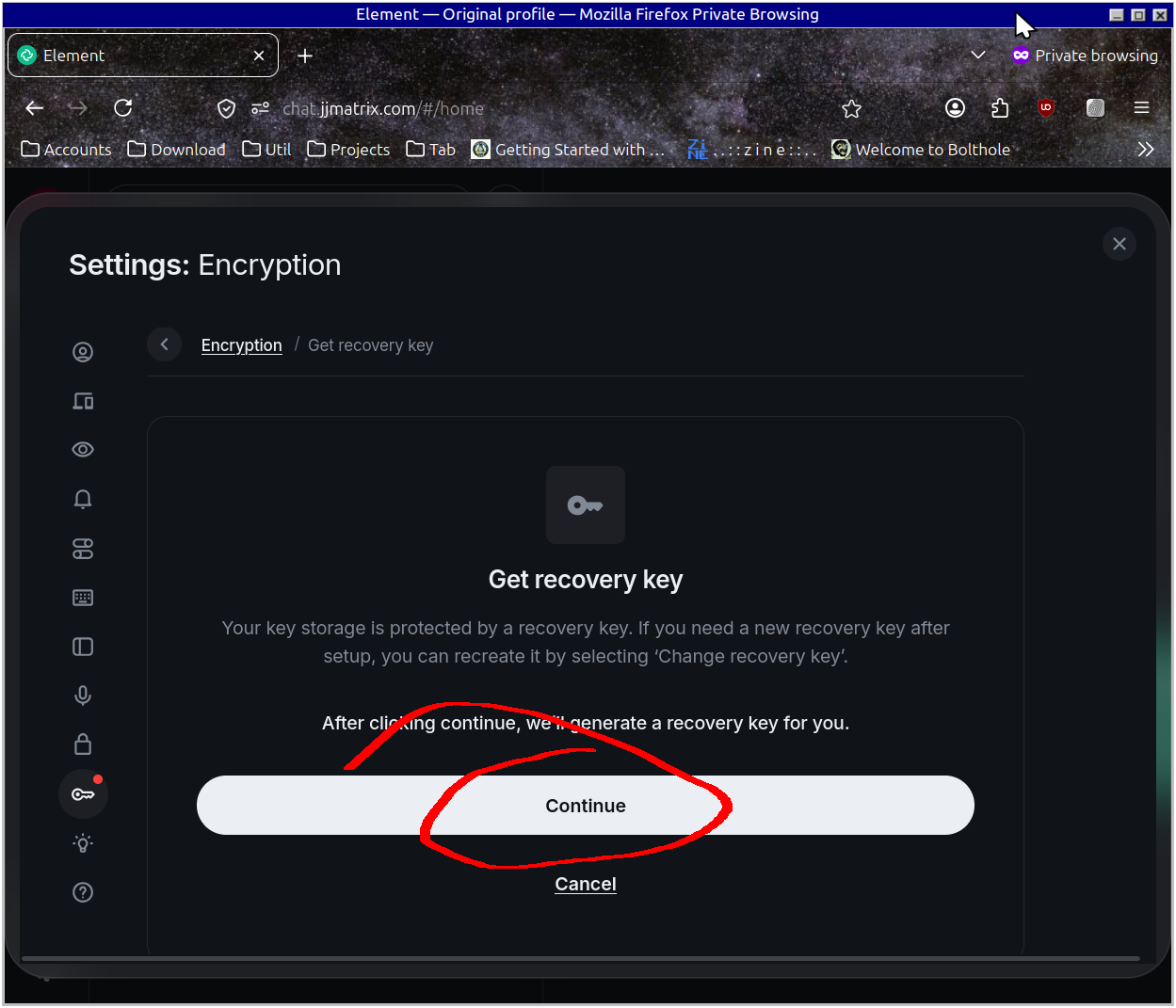
Be sure to SAVE YOUR RECOVERY KEY in your password manager
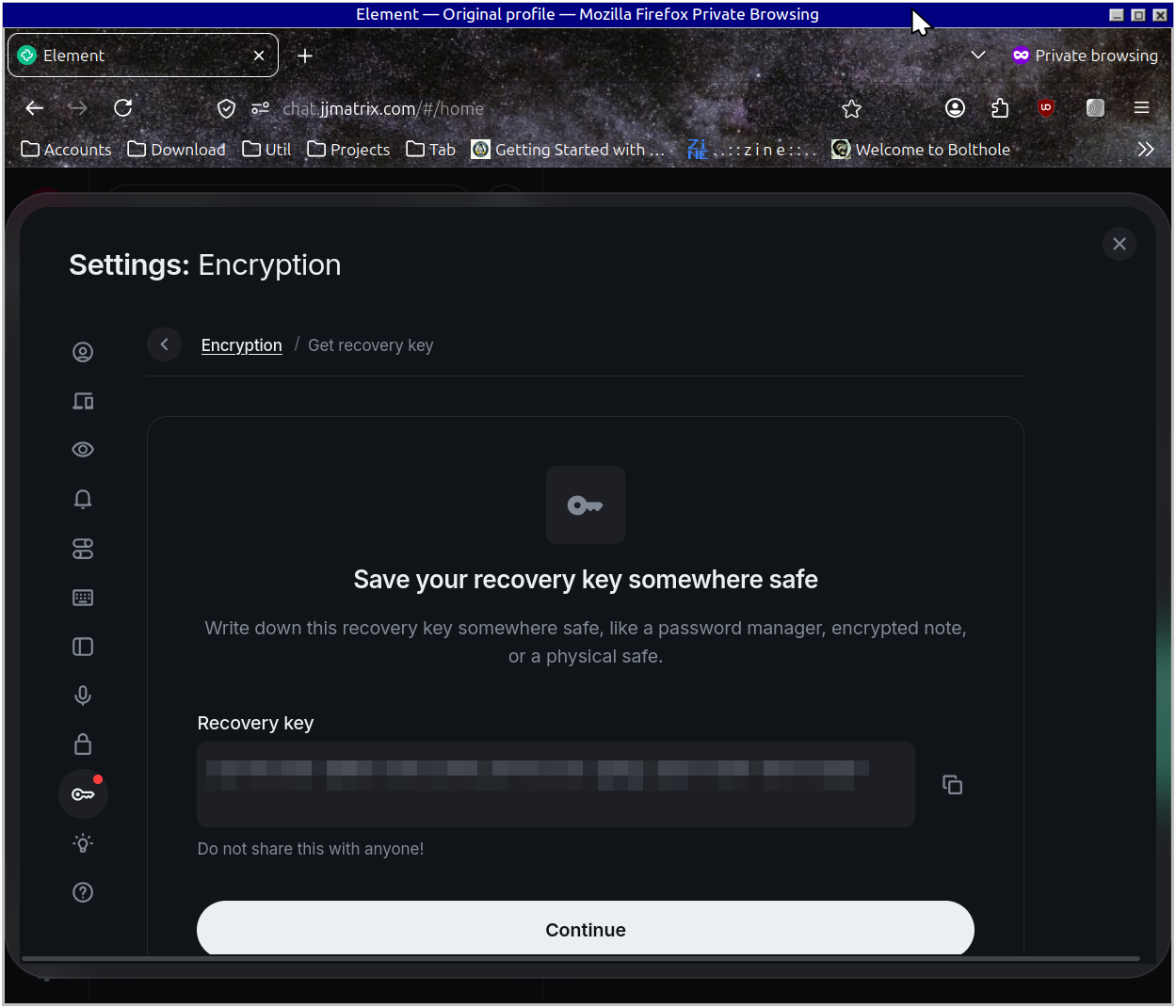
You saved your recovery key right? Here's the test; click "Continue" and enter it a second time and click "Finish set up":
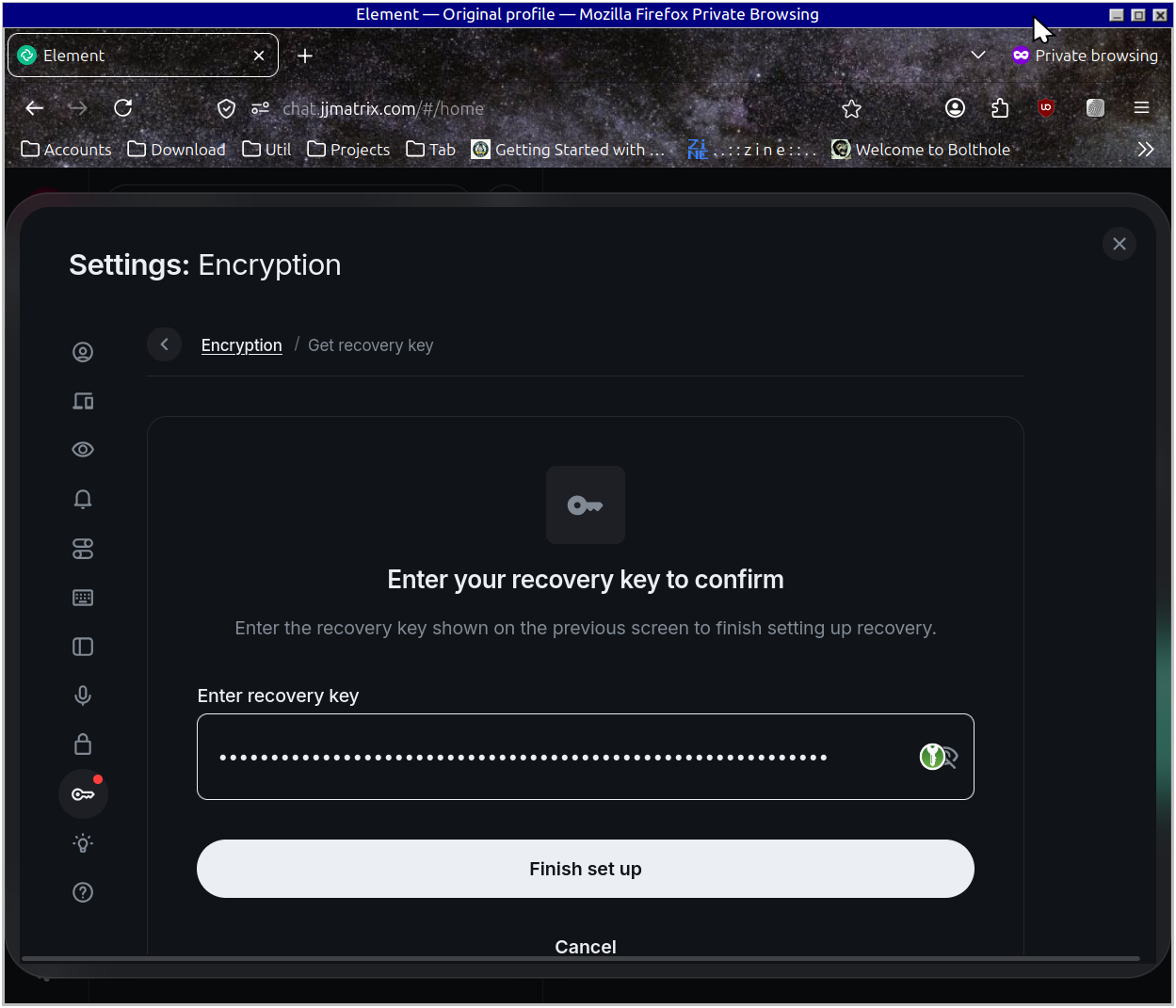
And that's it, you're all set! Welcome home